
Intel Core Ultra 9 290HX Plus pushes past 100 C in stress tests, raising new questions for gaming laptop cooling

Intel’s Core Ultra 9 290HX Plus, an Arrow Lake mobile chip now appearing in high-end gaming laptops, is delivering higher clock speeds at a clear thermal cost. Under heavy synthetic workloads, testing shows it can briefly approach the thermal ceiling typical for modern mobile CPUs.
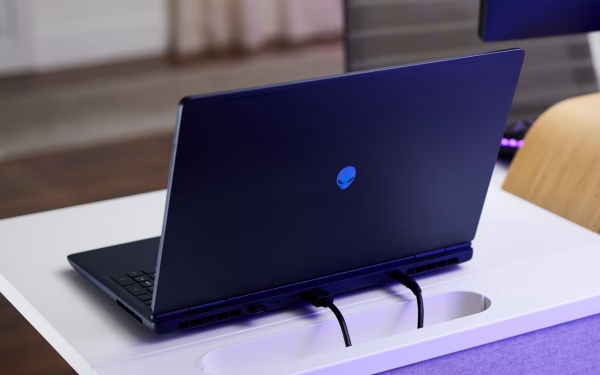
In side-by-side results from similarly configured Alienware 16 Area-51 models, the Core Ultra 9 290HX Plus sustained higher clocks than the Core Ultra 9 275HX, but also ran notably hotter. With maximum fan settings enabled, the Plus model stabilized around 4.1 GHz at roughly 103 C, versus about 3.8 GHz at 92 C on the non-Plus system.
Why the Plus model runs hotter
The Core Ultra 9 290HX Plus is widely viewed as a higher-powered variant within the same Arrow Lake platform, tuned for more aggressive boost behavior. That higher power draw can translate directly into more heat, especially in thin laptop chassis where cooling headroom is limited.
Thermals also appear to depend heavily on the laptop design rather than the CPU alone. Comparable stress testing on other gaming laptops cited in the same review context showed CPUs stabilizing closer to 82 C, underscoring how much the cooling solution and power limits shape real-world temperatures.
What gamers will likely see
The hottest readings were recorded during full utilization stress tests such as Prime95, which can keep the processor pinned at 100 percent load. In more typical gaming scenarios, the same system reportedly hovered in the low 80 C range, suggesting triple-digit temperatures may be uncommon for most players.
Even so, results like these highlight the trade-off facing performance-focused laptops in 2026: higher sustained boost clocks can come with narrower thermal margins. For buyers, fan profiles, power modes and chassis cooling may matter nearly as much as the CPU nameplate.